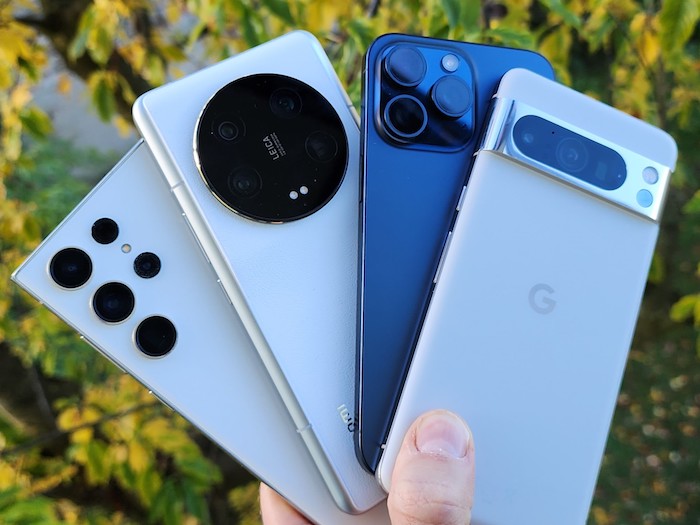
Are you excited about getting your hands on a new brand Android smartphone? Congratulations! But before you dive into exploring all the features and functionalities of your new device, it's essential to understand how to maximize its potential. In this comprehensive guide, we will walk you through some tips and tricks to help you get the most out of your new Android smartphone.

Setting Up Your Android Smartphone
When you first unbox your new Android smartphone, the initial set-up process can be overwhelming. But don't worry, we've got you covered! Here are some key steps to help you get started:
1. Inserting the SIM Card: Make sure to insert your SIM card correctly to ensure that your device can connect to your mobile network.
2. Setting Up Your Google Account: Your Google account is the key to unlocking all the features of your Android smartphone. Make sure to sign in or create a new account during the set-up process.
3. Customizing Your Home Screen: Personalize your home screen by adding widgets, shortcuts, and changing the wallpaper to make it your own.
Essential Apps For Your Android Smartphone
One of the best things about owning an Android smartphone is the wide range of apps available on the Google Play Store. Here are some essential apps to consider downloading:
1. Social Media Apps: Stay connected with friends and family on apps like Facebook, Instagram, and Twitter.
2. Productivity Apps: Boost your productivity with apps like Google Drive, Microsoft Office, and Evernote.
3. Entertainment Apps: Stream your favorite movies and TV shows on Netflix, Hulu, or Disney+.
4. Health and Fitness Apps: Stay active and healthy with apps like MyFitnessPal, Strava, and Calm.
Maximizing Battery Life
Is your battery draining too quickly on your new Android smartphone? Here are some tips to help you maximize battery life:
1. Adjust Screen Brightness: Lowering the screen brightness can significantly extend your battery life.
2. Turn Off Background Apps: Close apps running in the background to conserve battery power.
3. Enable Battery Saver Mode: Activate the battery saver mode to limit background activity and save power.
Security Tips For Your Android Smartphone
Protecting your personal information and data is crucial when using a smartphone. Here are some security tips to keep your Android device secure:
1. Enable Lock Screen Security: Set up a PIN, password, or pattern lock to prevent unauthorized access.
2. Install Security Apps: Consider installing antivirus and anti-malware apps to protect your device from online threats.
3. Regular Software Updates: Keep your device updated with the latest security patches to safeguard against vulnerabilities.
In conclusion, maximizing your new Android smartphone's potential requires a combination of set-up, customization, and maintenance. By following the tips and tricks outlined in this comprehensive guide, you can enhance your overall smartphone experience and enjoy all the features your device has to offer. So, what are you waiting for? Dive in and make the most of your new Android smartphone!