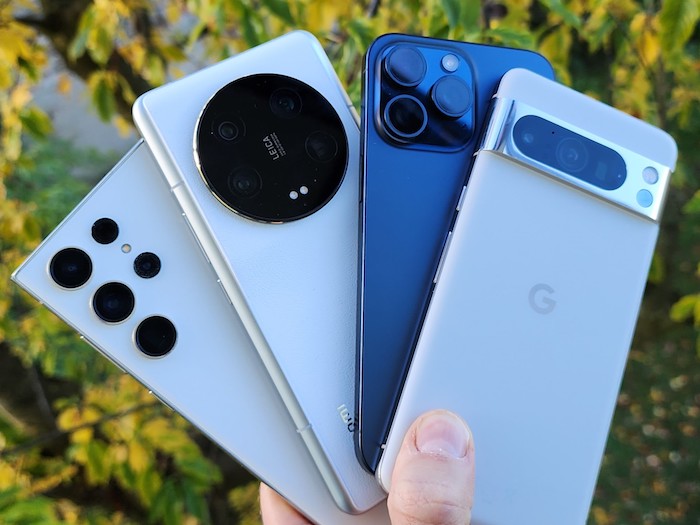
In today's fast-paced world, our smartphones have become an essential part of our daily lives. However, one common issue that many smartphone users face is the problem of phone overheating. Excessive heat can not only be uncomfortable to hold but can also lead to serious damage to your device. But fear not, as there are several effective ways to prevent your phone from overheating. In this article, we will explore some simple yet practical tips to keep your phone cool and functioning optimally.
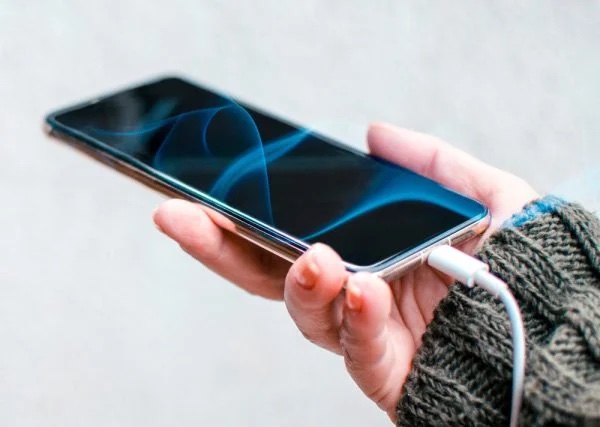
Why Do Phones Overheat?
Before delving into the solutions, let's first understand why phones tend to overheat. Several factors can contribute to this issue, such as processor-intensive tasks, high ambient temperatures, software glitches, and even faulty hardware. When your phone overheats, it can cause the battery to degrade faster, reduce performance, and in extreme cases, even lead to a thermal shutdown. Now that we've identified the root cause, let's look at some preventative measures.
1. Avoid Direct Sunlight
Exposure to direct sunlight can significantly increase the temperature of your phone, leading to overheating. When outdoors, try to keep your phone in the shade or use a protective cover to shield it from the sun's rays. Additionally, avoid leaving your phone in hot areas such as a parked car, as the enclosed space can trap heat and escalate the problem.
2. Remove Phone Case
While phone cases offer protection and style, they can also trap heat and hinder airflow, causing your device to heat up quickly. Consider removing the case when using intensive apps or during extended periods of use to allow for better ventilation and heat dissipation.
3. Close Background Apps
Running multiple apps in the background can strain your phone's processor and lead to overheating. Make it a habit to regularly close unused apps to free up system resources and prevent unnecessary heat buildup. You can also enable the battery-saving mode on your phone to optimize performance and reduce heat generation.
4. Limit Gaming and Streaming
Playing graphics-intensive games or streaming HD videos for extended periods can put a significant strain on your phone's CPU and GPU, causing it to overheat. To prevent this, try to limit gaming sessions and streaming activities, especially in hot environments. Alternatively, you can lower the graphics settings or use headphones to reduce the load on your device.
5. Update Software Regularly
Software updates not only bring new features and enhancements but also help optimize system performance and fix bugs that can contribute to overheating. Make sure to regularly check for and install software updates on your device to ensure it runs smoothly and efficiently.
Conclusion
By following these simple yet effective tips, you can prevent your phone from overheating and extend its lifespan. Remember to be mindful of how you use your device, avoid exposing it to extreme temperatures, and regularly maintain its software and hardware. Taking proactive measures to keep your phone cool will not only enhance your user experience but also protect your investment in the long run.