In today's fast-paced digital world, our smartphones have become an essential tool for communication, entertainment, and productivity. With so many apps and features available, it's easy for our devices to become sluggish or unresponsive. But fear not, there are simple tricks you can use to boost your smartphone's performance and keep it running smoothly. Let's dive into some easy and effective ways to optimize your device.
Regularly Restart Your Phone
Restarting your phone is a simple yet effective way to enhance its performance. By doing so, temporary files and processes that may be causing slowdowns are cleared out.
Clear Cache Regularly
One of the quickest ways to free up memory on your smartphone is to clear the cache regularly. As you use apps and browse the web, information is stored in the cache to help speed up loading times. However, over time, this cache can become bloated and slow down your device. By clearing the cache, you can free up valuable space and improve your smartphone's performance.
Uninstall Unused Apps
We all have those apps on our smartphones that we downloaded once but never use. These unused apps not only take up valuable storage space but can also drain your device's resources in the background. By uninstalling unused apps, you can free up memory and improve your smartphone's speed and responsiveness.
Update Your Operating System
Operating system updates often include performance improvements and bug fixes that can help your smartphone run more smoothly. Make sure to regularly check for updates and install them as soon as they become available. This simple step can go a long way in boosting your device's performance.
Limit Background Processes
Many apps run in the background of your smartphone, consuming valuable resources and slowing down your device. To improve performance, limit the number of background processes running on your device. You can do this by closing apps you're not using, disabling auto-sync, and limiting notifications.
Disable Animations
While animations can add visual appeal to your smartphone, they can also slow down your device's performance. To boost speed, consider disabling animations or reducing their duration. This simple trick can help your smartphone run more smoothly and respond faster to your commands.
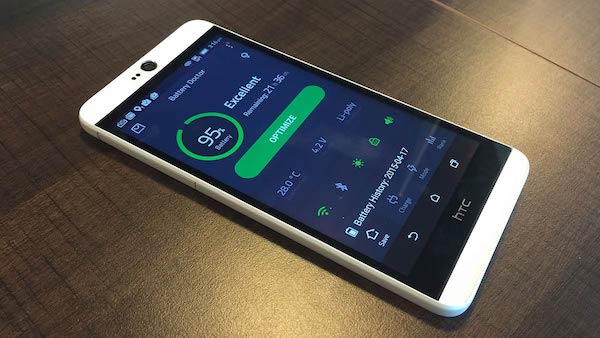
Optimize Battery Usage
Battery life can also impact your smartphone's performance. To optimize battery usage, consider adjusting your device's settings to conserve power. You can dim the screen brightness, turn off Wi-Fi and Bluetooth when not in use, and enable power-saving mode. By conserving battery life, you can improve your smartphone's overall performance.
Keep Your Device Cool
Overheating can cause your smartphone to slow down and even crash. To prevent this, make sure to keep your device cool by avoiding direct sunlight and excessive heat. You can also remove the phone case to allow for better airflow and prevent overheating.
Upgrade Your Phone
In some cases, upgrading your phone may be necessary. Newer devices typically feature more powerful processors and increased memory, resulting in enhanced performance overall.
Explore Custom ROMs
Custom ROMs are modified versions of your phone’s operating system that can offer performance improvements, extended battery life, and additional features. However, note that installing a custom ROM carries certain risks, so thorough research is essential beforehand.
Conclusion
By following these simple tricks, you can boost your smartphone's performance and keep it running smoothly. From clearing the cache to optimizing battery usage, these tips are easy to implement and can make a big difference in how your device operates. So give them a try and enjoy a faster, more responsive smartphone experience!